
Speed Dial FVD
Many people love the "big tiles" when they visit the Internet, such as those from Opera are offered as standard. But you can also use this functionality with the Chrome browser easily with an extension.
I have done very good experience with the Chrome extension Speed Dial FVD
After the installation, the most important pages are shown clearly and extensively and can be selected with a simple click:
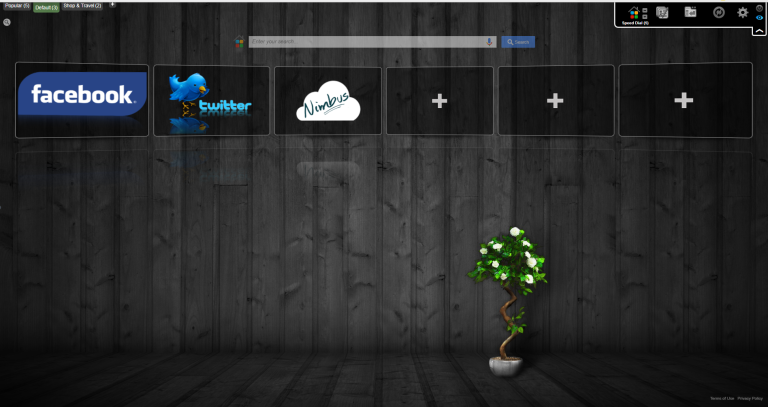
2 functions are repeatedly asked for - adding and deleting:
1Add tiles
- Find / open the desired page
- Change to the “FVD Speed Dial” page (= page when starting Chrome from the desktop)
- Press “+” in the new tile
- Select “Opened Tabs” (next to “Pick URL from”)
- Select / click on the desired image on the right
- Press “Add Dial” (if necessary scroll down beforehand if the button is not visible)
2Delete tiles
- Right mouse button on the tile to be deleted
- “Press “Delete dial”