Magenta Webmail
Open attachments in UPC webmail
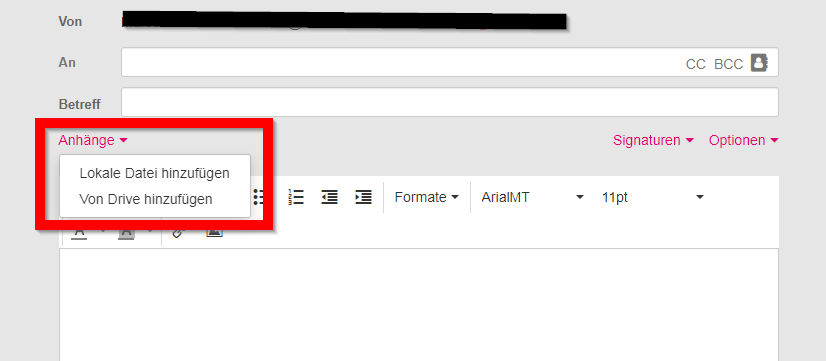
1 Click Attachments / "Add local file" click on paper clip / Click Attachments
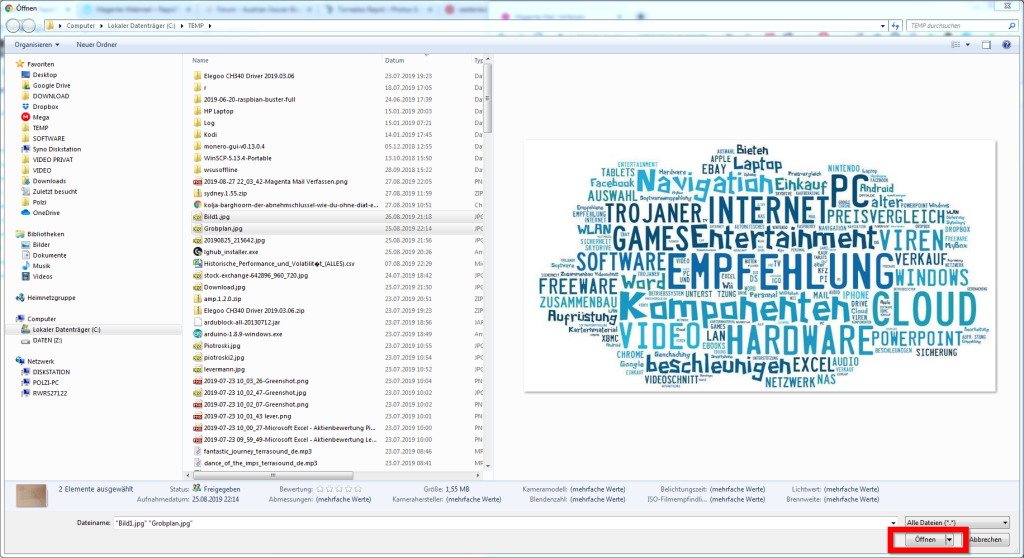
2 Select the desired file(s) with the left mouse button and click open

1 Click Attachments / "Add local file" click on paper clip / Click Attachments
2 Select the desired file(s) with the left mouse button and click open